



- Design Your Room
- AI Design
- Explore
- Blog


AI Interior Designer for Real Rooms.
Powered by DecorMatters — the home design app trusted by millionsCreate, edit, and refine real room designs with powerful AI. Complete creative control, professional results.
No experience needed. Design in seconds.See the Power of AI Interior Design.
Upload a real room or start from scratch. AI instantly transforms rooms into realistic, magazine-ready designs — guided by your style, colors, and materials.
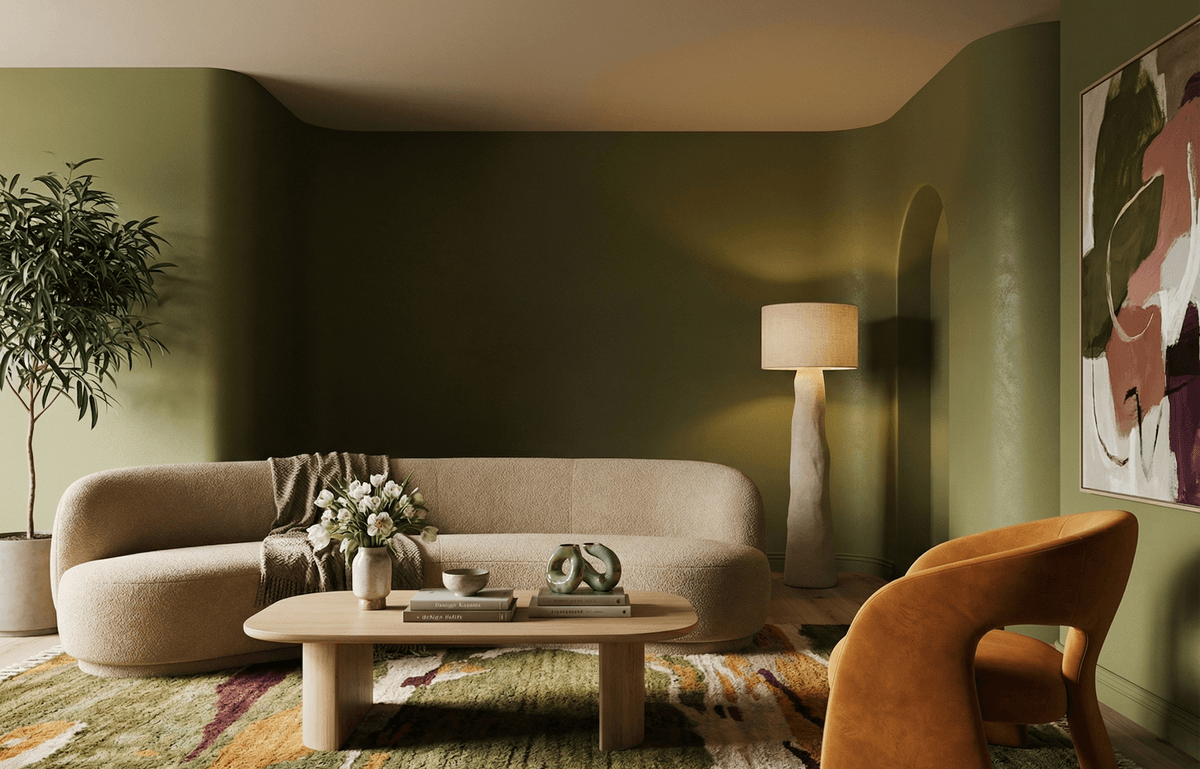
Full Creative Control with AI Room Designer.
Choose the style, color palette, materials, and mood — then let AI design your room.

Start with Any Space
Upload your real room, use a template, or start from a blank canvas. AI designs for real layouts and homes.

Choose Any Style or Trend
Pick modern, boho, mid-century, minimal, maximal, and more — plus any room type for instant design direction.

Control Colors, Materials & Lighting
Set your palette, finishes, textures, and lighting — from warm daylight to cozy night — for the exact look you want.
More Ways to Design with AI.
Make precise changes, fine-tune details, and elevate your designs with AI tools built for real control — not one-click redesigns.

AI Edit Your Room
Edit specific areas or items in your room with AI. Instantly remove, replace, or swap furniture, décor, colors, or materials — without redesigning the entire space.
Edit with AI
AI Refine Your Design
With one tap, refine lighting, layout, realism, and balance to transform a good design into a polished, professional interior.
Refine with AIMade for Every Kind of Home.
Built for real homes and real people. Whether you're designing a small apartment, a rental, or a full house, our AI interior design tools adapt to your space, style, and budget — no experience needed.


Renters & Small Spaces
Design apartments and small rooms with AI — experiment with layouts, furniture, colors, and décor without making permanent changes.

Homeowners
Plan and visualize interior design for your home before buying furniture, renovating, or committing to major design decisions.

DIY Decorators
Explore interior design ideas, test styles, swap décor, and refine details with AI to bring your vision to life.

Design Enthusiasts
Create, iterate, and experiment with AI interior design tools to generate polished, realistic room designs at scale.
Design Anywhere with DecorMatters AI.
Create, edit, and refine real room designs with DecorMatters' AI interior design tools — available on iOS, Android, and web. Design from any device.
Download the DecorMatters App


AI Interior Design FAQs
An AI interior designer uses artificial intelligence to help you design real rooms by generating layouts, styles, colors, and décor based on your space and preferences. Unlike inspiration tools, an AI interior designer works with your actual room to create realistic, usable designs.
Yes. You can upload a photo of your real room to design with AI. DecorMatters' AI interior design tools analyze your space to generate layouts, styles, furniture, colors, and materials that fit your actual room dimensions and structure.
AI Designer creates complete room designs from scratch or from your uploaded room. AI Edit lets you change specific items or areas—such as furniture, décor, colors, or materials—without redesigning the whole space. AI Refine improves realism, lighting, layout balance, and overall polish to elevate an existing design.
Yes. You can control interior styles, color palettes, materials, finishes, and mood. The AI interior designer follows your selections to create room designs that match your aesthetic preferences and design goals.
Absolutely. DecorMatters is built for renters, apartments, and small spaces. You can experiment with layouts, furniture, colors, and décor without making permanent changes, making it ideal for temporary or compact homes.
Yes. DecorMatters' AI interior design app is available on web, iOS, and Android, so you can design, edit, and explore room ideas from any device.
The designs are realistic and made for real rooms. DecorMatters' AI focuses on practical layouts, accurate proportions, and believable lighting so designs can be used as true visual planning tools—not just abstract concepts.
Yes. You can save your AI room designs, edit them over time, compare versions, and revisit your projects whenever you want. Your designs remain accessible across devices.
No. DecorMatters is designed for beginners and experienced designers alike. The AI interior designer guides the process, making room design accessible even if you have no interior design background.
The AI Interior Design App Built for Real Homes
DecorMatters is an AI interior design app built for real rooms, real layouts, and real people. With powerful AI tools, you can design your room, explore interior design ideas, and create realistic home designs tailored to your space. From living rooms and bedrooms to apartments and small spaces, DecorMatters helps homeowners, renters, and decorators visualize styles, colors, materials, and layouts before making decisions. Available on iOS, Android, and web, DecorMatters makes AI interior design practical, creative, and accessible for modern homes.


Start Designing with AI Interior Design
Create, edit, and refine real room designs with DecorMatters — the AI interior design app for real homes.
Download the App